 Reckless Technology
Plugin
Reckless Comp
v0.21A character compressor with a choice of three gain-control devices, each drawn from its physics, a JFET, a diode bridge or a photocell, or Pure, with a needle showing the gain reduction.

From the user guide
Using it
The threshold is fixed at −12 dBFS, so Input alone sets how much is compressed; Make-up then sets where the level lands. Pick the gain element for the colour; switching crossfades, so you can compare mid-phrase. The red CLIP lamp lights while the output soft clipper rounds off peaks; if it stays lit, turn Input or Make-up down.

The four gain elements
- JFET — warm second harmonic that grows with level; natural with a fast attack on drums and bass.
- Diode — symmetric third harmonic that reads as thickness; good on a mix bus.
- Optical — clean but slow, with a two-speed release of its own that holds on after a long note. Made for vocals.
- Pure — no device and no colour: the cleanest and lightest on the processor.

Controls
| Close-up | Control | Range | Default | What it does |
|---|---|---|---|---|
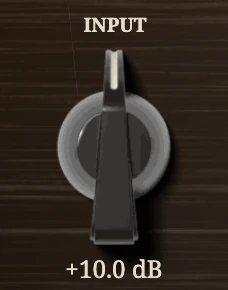 | Input | −10 to +30 dB | +10 dB | Drive against the fixed threshold: sets how much it compresses. |
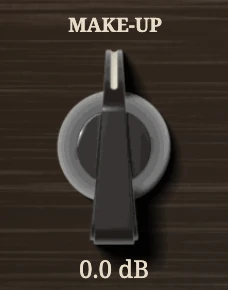 | Make-up | −12 to +12 dB | 0 dB | Clean gain on the compressed signal. |
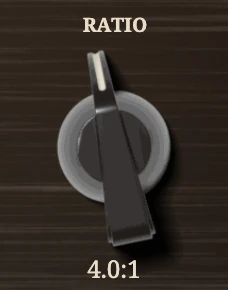 | Ratio | 1:1 to 20:1 | 4:1 | 1:1 is a wire; 20:1 is limiting. |
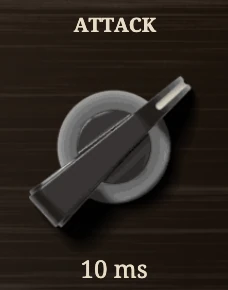 | Attack | 0.1 to 100 ms | 10 ms | How fast the gain reduction builds. |
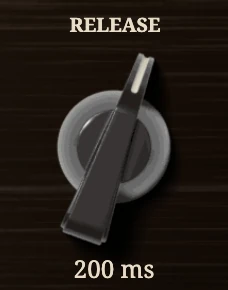 | Release | 10 ms to 2 s | 200 ms | How fast the gain comes back. |
 | Release mode | Manual / Auto | Manual | Auto adds a slow stage after held passages, against pumping. |
 | Smooth | Off / On | Off | Rounds the gain's moves so it never follows a bass waveform. |
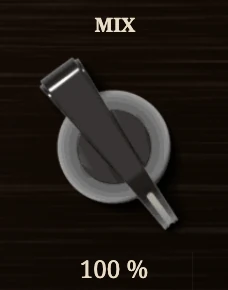 | Mix | 0 to 100 % | 100 % | Dry against compressed, for parallel compression. |
 | Gain element | JFET / Diode / Optical / Pure | JFET | The device that turns the gain. |
 | Stereo link | Off / On | On for a stereo track, Off for mono | On: one detector, same gain on both channels. |
 | SC source | Internal / External | Internal | External: the detector hears the Sidechain input. |
 | SC highpass | Off / 70 Hz / 150 Hz | Off | Takes lows out of what the detector hears, against pumping. |
 | LISTEN | hold | — | Hear what the detector hears. |
 | Look-ahead | Off / 1 ms / 2 ms / 5 ms | Off | Delays the sound so the gain is down before a transient. |
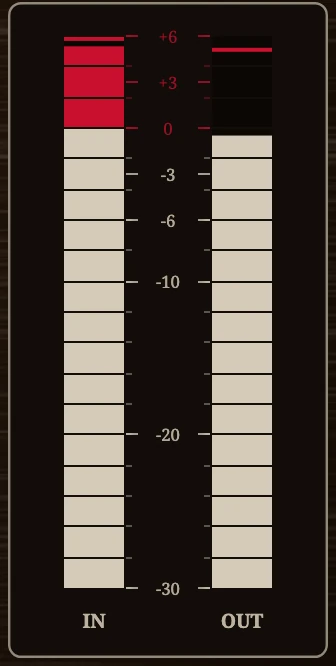 | IN / OUT bars | — | — | Peak levels in and out; the red top six decibels is headroom. |
 | CLIP lamp | — | — | Lit while the output soft clipper works. |
A preset carries the stereo link with the other settings.
Tips
- Colour follows level. The element hears the track at its own level, so a hotter track is more coloured, whatever Input says.
- Optical: knobs fast, cell slow. Set Attack and Release short and let the photocell's own timing do the work.
- Parallel compression. Input well up, fast attack, Mix at 30 to 40 %.
- Pumping on the kick? Set the SC highpass to 70 Hz, or 150 Hz for a bass. Hold LISTEN to set it by ear.

