 Reckless Technology
Plugin
Reckless EQ
v0.21A five-band parametric equaliser, each band a peak, a shelf or a filter, with a graph of the response over a live spectrum of the output.

From the user guide
What it does
Fresh, it is a low shelf, three peaks and a high shelf, all at 0 dB: an exact wire. The amber curve is the whole response; the shading is the output’s spectrum. Reset to defaults turns the Analyser back on.

Controls
| Close-up | Control | Range | Default | What it does |
|---|---|---|---|---|
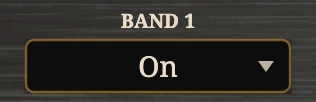 | Band 1–5 | Off / On | On | Switches the band in and out with a short fade. |
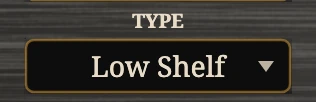 | Type | Peak / Low Shelf / High Shelf / Highpass / Lowpass | Low Shelf, Peak, Peak, Peak, High Shelf | What the band is; the filters have no gain. |
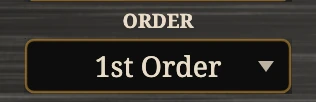 | Order | 1st / 2nd / 4th Order | 1st shelves, 2nd peaks | Slope: 6, 12 or 24 dB an octave. Peaks are always 2nd. |
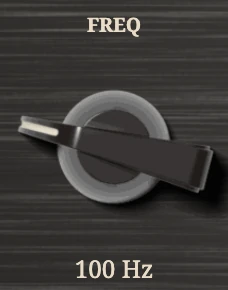 | Freq | 20 Hz to 20 kHz | 100, 300, 1000, 3000, 8000 Hz | Centre of a peak, corner of a shelf or filter. |
 | Q | 0.1 to 10 | 0.71 | How narrow; greyed at 1st order. |
 | Gain | -12 to +12 dB | 0 dB | How much the band boosts or cuts. |
 | Output | -12 to +12 dB | 0 dB | The level after the bands. |
 | Analyser | Off / On | On | Shows the output’s spectrum behind the curve. |
Tips
- Clean up first: band 1 as a 4th Order Highpass at 80 to 120 Hz on a guitar, 30 to 40 on a bass.
- Find a resonance with a peak at Q 10 and +12 dB, sweep it, then cut.
- Broad strokes with low Q; narrow bands are for repairs.
- Boosts add up: a curve off the top means lower Output.
