 Reckless Technology
Reckless NAM
v0.21A player for Neural Amp Modeler captures: load any .nam file, classic or A2, and play through it, with a level in, bass and treble shelves, a room, a level out and the Reckless Amp’s noise gate.

From the user guide
Loading a capture
A capture is usually an amplifier without a speaker, so put a Reckless Cab after it unless the capture includes the cabinet. No models are built in.
Click the screen under the header and choose a .nam file, or drop one anywhere on the window. The new capture fades in over 30 ms, so you can swap while playing. The capture is saved inside the session and in presets, so it comes back without the file.

The screen shows what the file says about itself, the training level and loudness among it. Under it an oscilloscope shows the output wave’s shape.

If your session is not at the capture’s rate (nearly always 48 kHz), the plugin resamples and reports a few dozen samples of latency; the screen says so.
TONE3000
TONE3000 is a free public library of NAM captures. Click TONE3000 at the top right of the screen to open its drawer.

- Click SIGN IN AND BROWSE. Your browser opens; sign in with your email (a six-digit code, no password) and pick a tone.
- Back in the plugin the drawer shows the tone and its first model is playing.
- NEXT, PREV and the model plate step through the pack’s models while you play.
- The playing model is in your session like any capture; a preset carries it with its picture and credit.
VIEW ON TONE3000 opens the tone’s page; SIGN OUT forgets the sign-in, which every Reckless NAM on the computer shares and no session or preset carries. Respect each tone’s licence.
Controls
| Close-up | Control | Range | Default | What it does |
|---|---|---|---|---|
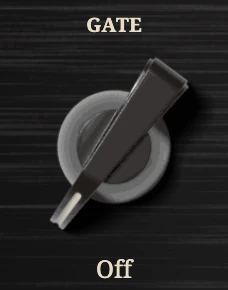 | Gate | Off, -80 to -20 dBFS | Off | Input level at which the gate opens; shut, the output drops 40 dB. |
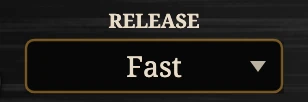 | Release (plate) | Fast / Slow | Fast | How quickly the gate closes: 80 ms or 500 ms. |
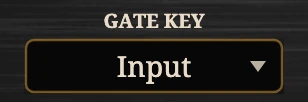 | Gate Key (plate) | Input / Sidechain | Input | What the gate listens to: your guitar, or the sidechain input. |
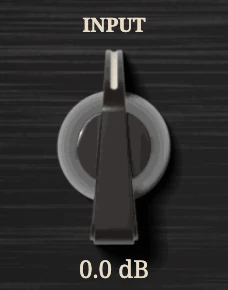 | Input | -24 to +24 dB | 0 dB | Level into the capture; match the level it was trained at. |
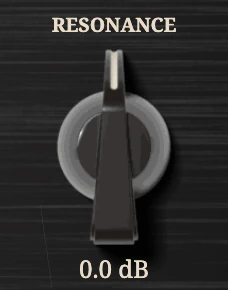 | Resonance | -12 to +12 dB | 0 dB | Low shelf from 200 Hz down after the capture: tighten or add weight. |
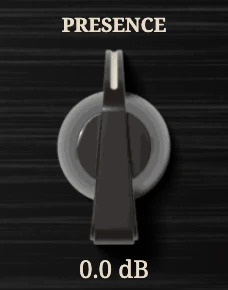 | Presence | -12 to +12 dB | 0 dB | High shelf from 2 kHz up: take off fizz or open a dark capture. |
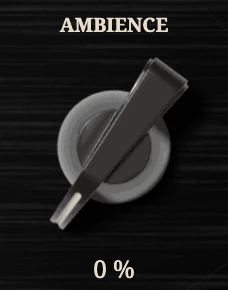 | Ambience | 0 to 100 % | 0 % | The Cab’s room after the capture, in stereo even from mono. |
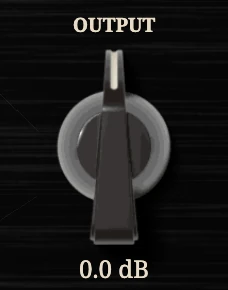 | Output | -12 to +12 dB | 0 dB | Level after the capture, the room and the shelves. |
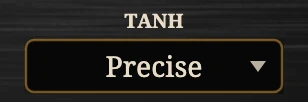 | Tanh (plate) | Precise / Fast | Precise | How the network computes tanh; a change rebuilds and fades in. |
The gate’s LED beside the scope is dark when off, green when open, red when shut. Tanh makes no difference to LSTM or A2 captures. Reset to defaults sets the controls back and takes the capture out.

Tips
- Set Input by ear, then by the screen: turn it up until the capture breaks up as the amp would; the training level is where it is most itself.
- Set the gate with the strings muted: raise Gate until the LED turns red on the hiss alone. If tails are cut, switch Release to Slow.
- One gate, one room: with a Reckless Amp in the rig, leave one gate Off; with a Cab after the NAM, leave the NAM’s Ambience at 0 %.